Team KPI Reports
Admin Data Access roles only (Organisation, Global Manager, Country Manager, Branch Manager)
Team KPI Reports gives managers a consolidated view of KPI performance across the organisation. Open KPI Reports from the sidebar, then click the Team Reports tab.
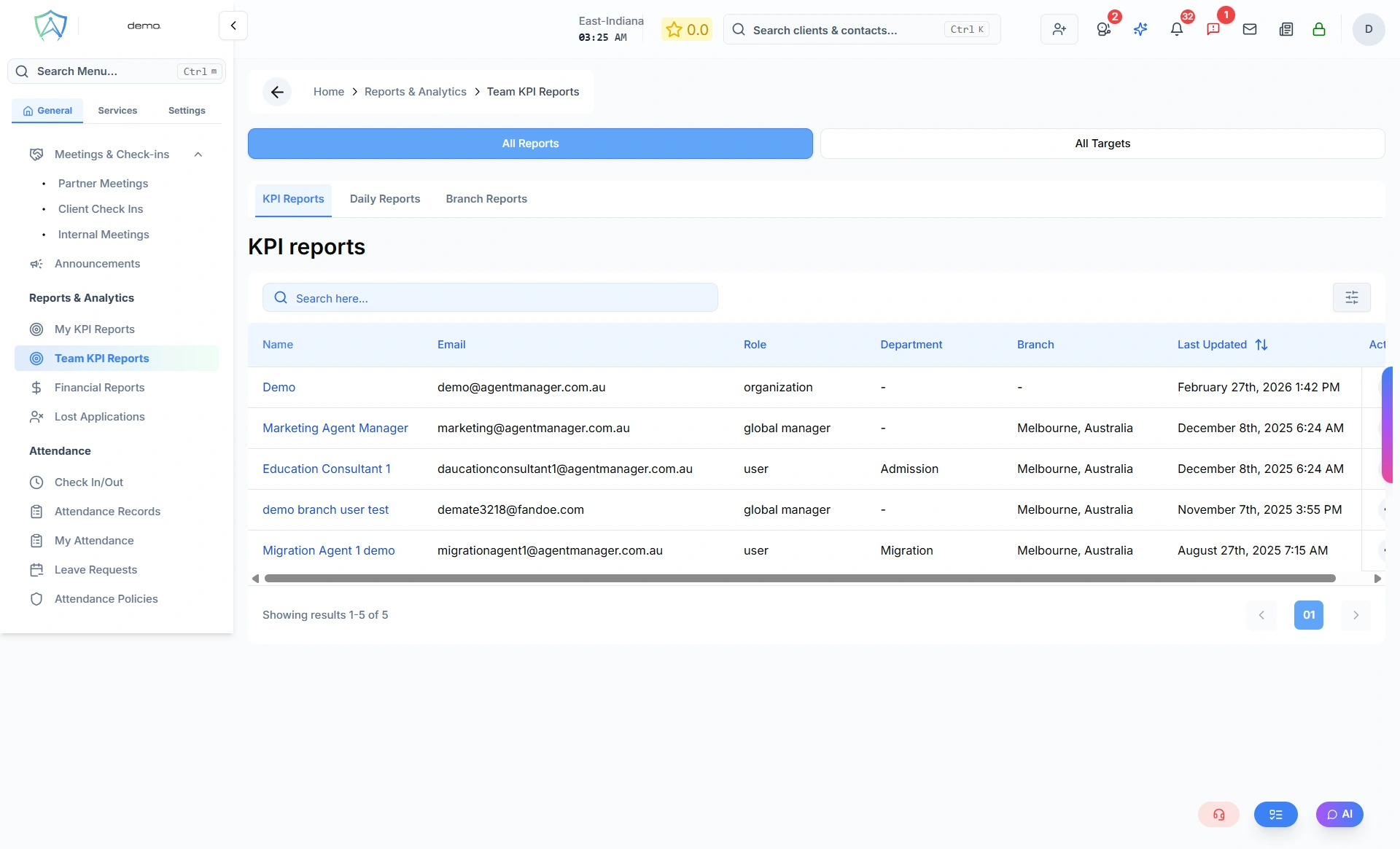
Team List
The main view is a table of team members with Name, Email, Role, Department, Branch, and Last Updated columns. Two related sub-tabs sit alongside it:
- Departments — a table of departments; click View on any row to see that department's KPIs (a scoped version of the same report used for individuals, with a per-member breakdown)
- Branch Reports — the same idea, scoped by branch
Admin roles currently see the same org-wide lists here regardless of which admin role they hold — Team Reports isn't automatically filtered down to "just my branch" or "just my country."
Drill Down
Click on any team member's name to see their individual KPI breakdown — the same view they see in My KPI Reports.
Team Targets
The Team Targets tab (alongside Team Reports) is both where you view and where you set KPI targets — organised by agent, branch, or department, with green / amber / red status indicators showing how each is tracking.