File Manager
DOCUMENT_MANAGEMENT permission required
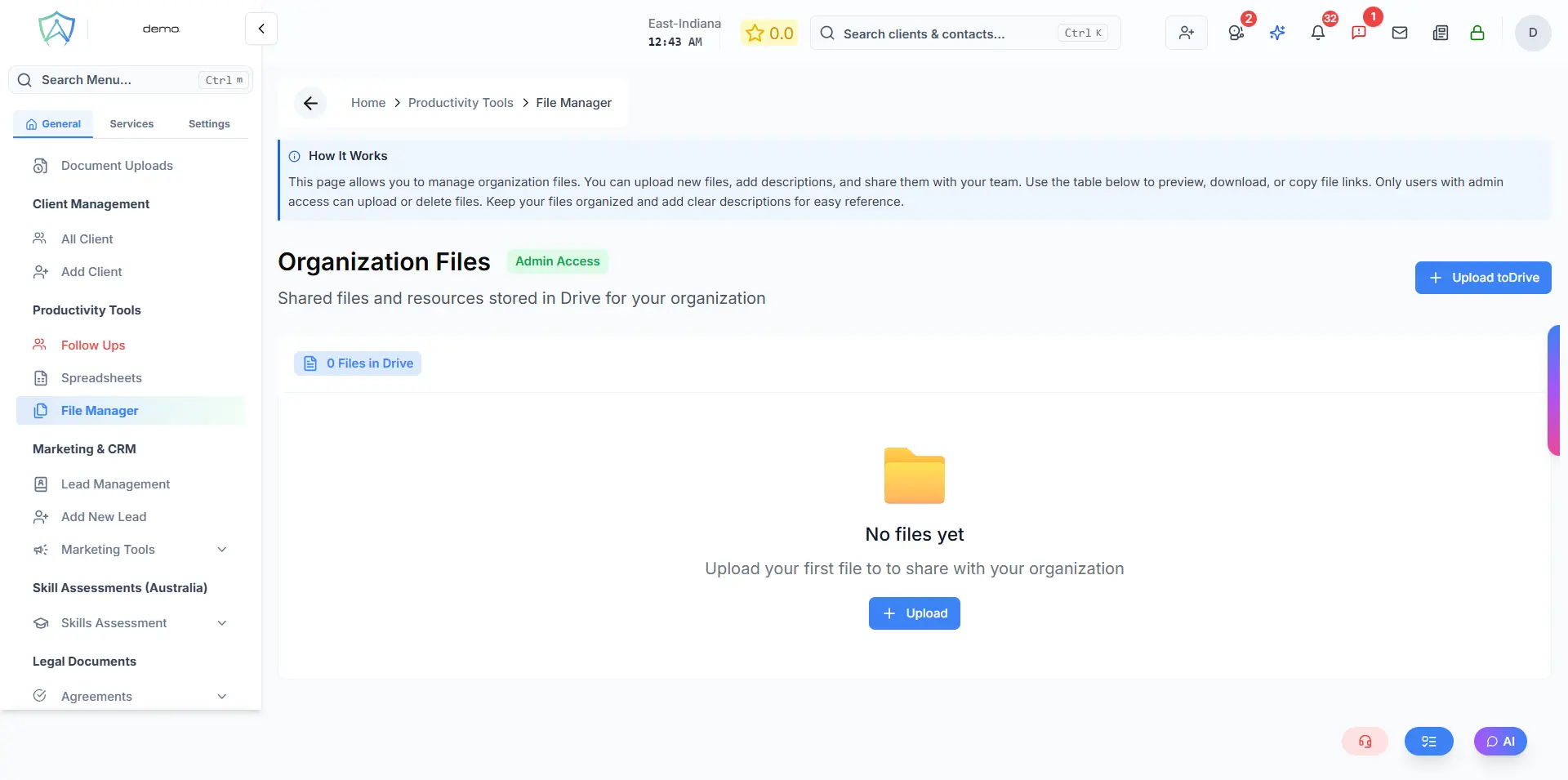
The File Manager is Agent Manager's central document repository. All files uploaded to the system — client documents, agreements, reports, templates — can be accessed and organised here.
File Structure
Files in Agent Manager are organised in a folder hierarchy:
Organisation Files
├── Clients
│   ├── [Client Name]
│   │   ├── Applications
│   │   ├── Documents
│   │   ├── Agreements
│   │   └── Invoices
├── Templates
├── Shared Files
└── My Files
Uploading Files
Via File Manager:
- Navigate to the desired folder
- Click Upload
- Drag and drop files or click to browse
- Supported formats: PDF, DOCX, XLSX, JPG, PNG, and more
Via a client/application record: Files can also be uploaded directly from within a client's profile or an application record — they will automatically appear in the File Manager under the correct folder.
Managing Files
| Action | Description |
|---|---|
| View | Preview PDF and image files directly in the browser |
| Download | Download the file to your device |
| Rename | Rename the file |
| Move | Move to a different folder |
| Share | Share with specific users or make public to the organisation |
| Delete | Permanently delete the file |
| Version History | View and restore previous versions |
Search
Use the search bar to find files by name across the entire file system. Filter by file type, upload date, or uploader.
Storage
Your file storage quota depends on your organisation's subscription plan. Current usage is displayed in the bottom left of the File Manager.