LMT Reports
Required Role
LMT permission required
The LMT Reports section allows you to generate formal Labour Market Testing reports that can be submitted as part of employer-sponsored visa applications.
What is an LMT Report?
An LMT report is a structured document that summarises the employer's genuine efforts to recruit locally. It includes:
- Details of all job advertisements placed across recruitment platforms
- Advertising date ranges per platform
- Number of candidates who applied through each channel
- Outcome and reason why each candidate was unsuccessful
This report becomes a key piece of evidence in the visa application file.
Prerequisite
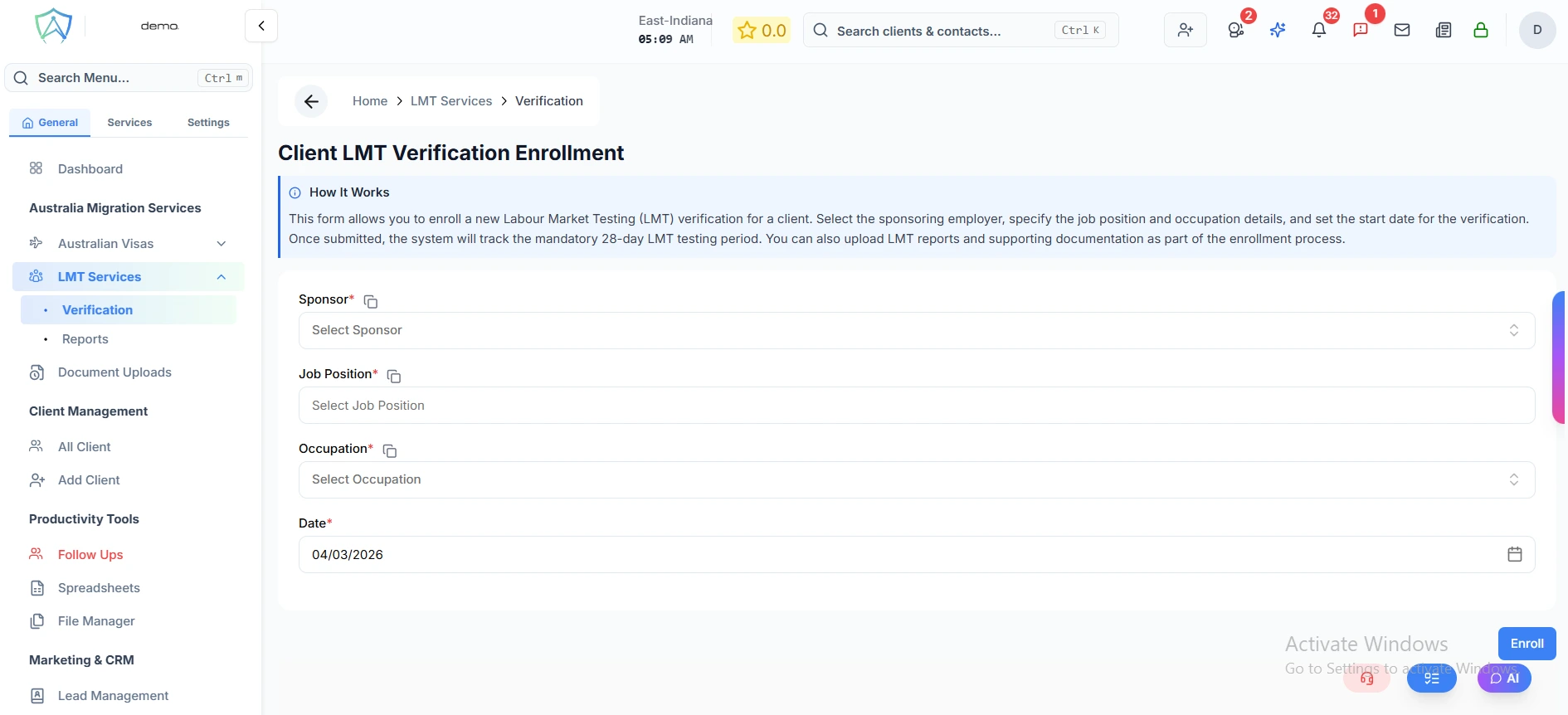
A report can only be generated after the LMT Verification record is marked as Completed (28-day period fulfilled) and the job was posted on at least two platforms.
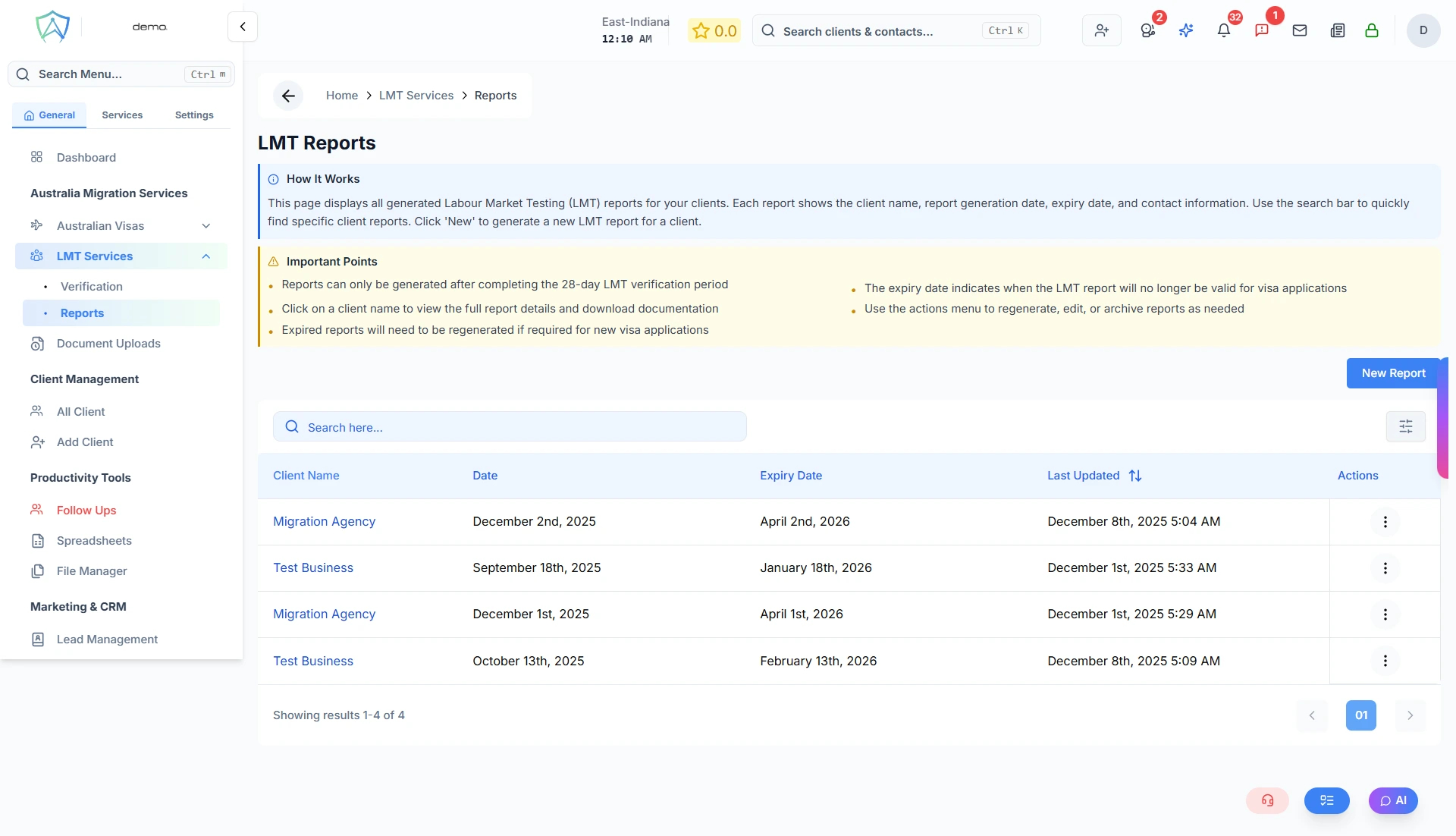
LMT Reports List
The reports list shows all generated LMT reports:
| Column | Description |
|---|---|
| Client Name | The sponsoring employer's business name — click to view the full report |
| Date | The report generation date |
| Expiry Date | Date the report expires (4 months from the report date) |
| Last Updated | Date and time the record was last modified |
info
Expired reports will need to be regenerated if required for a new visa application.
Generating a Report
- Click New Report
- Select the completed LMT verification record from the Client Name dropdown
- Set the Report Date
- Upload a company Logo (optional, max 5 MB) — appears on the printed report
- For each recruitment platform (e.g. Seek, Indeed, LinkedIn), set the end date of the advertising period (must be at least 28 days after the start date)
- For each platform, enter the number of candidates who applied and select the reason they were unsuccessful
- Click Preview to review the report before submitting
- Click Submit to save and finalise the report
Supported Recruitment Platforms
The report captures candidate outcomes per platform:
- Seek
- Indeed
- Career One
- Jora
- Workforce
- Glassdoor
Report Contents
A generated LMT report includes:
- Company logo (if uploaded)
- Report date
- Employer (sponsor) name
- Job position and nominated occupation
- Per-platform advertising date range and total candidates applied
- Candidate outcome table (Candidate number, Outcome, Reason)
- Closing statement confirming genuine recruitment efforts
Row Actions
| Action | Description |
|---|---|
| View | Open the full report in read-only mode |
| Edit | Amend the report details |
| Delete | Permanently delete the report |
| Print the report directly from the view page |