Lost Applications
Required Role
LOST_RECORD_MANAGEMENT permission required
The Lost Applications report tracks applications that were withdrawn, refused, or abandoned. Understanding why applications are lost helps identify patterns, improve processes, and manage risk.
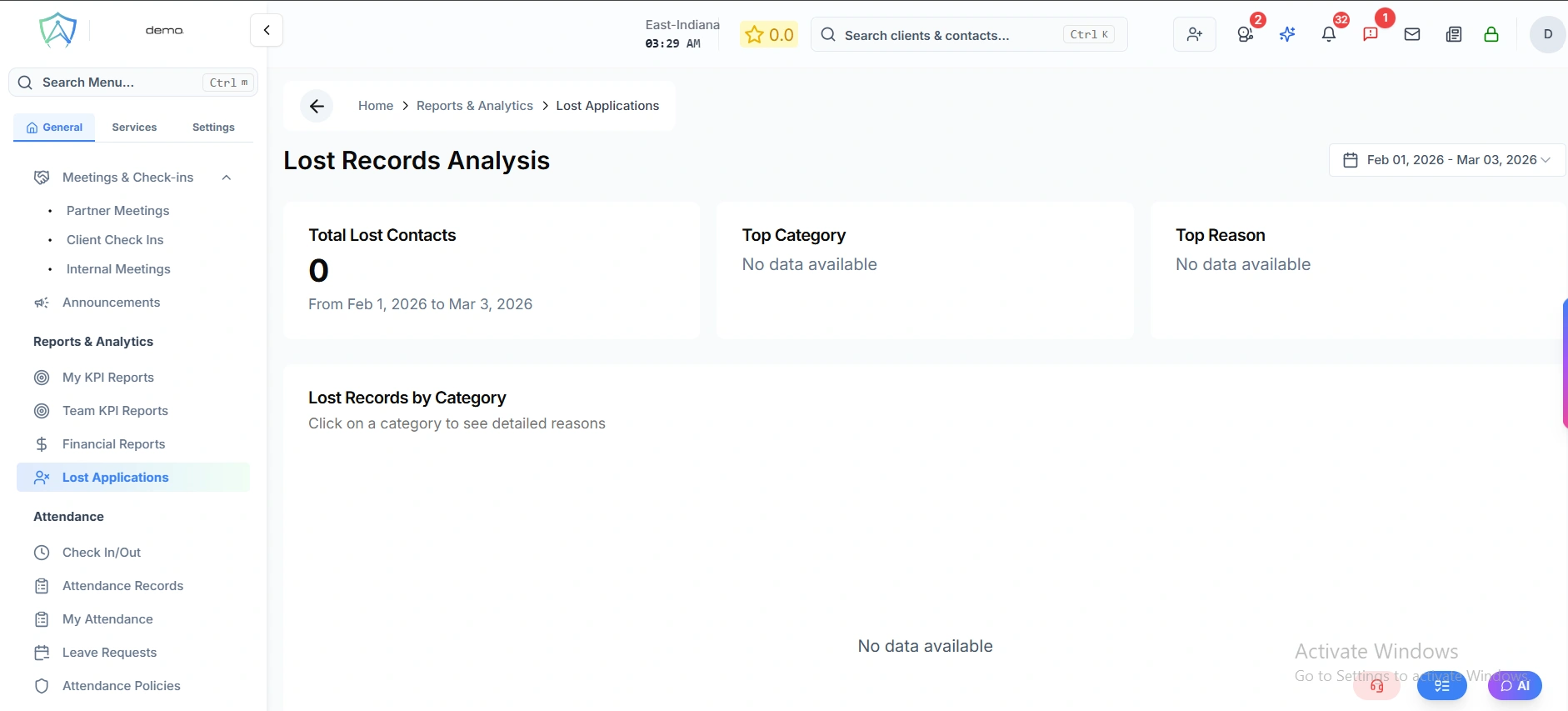
What is a Lost Application?
An application is classified as "lost" when:
- The visa or service application was refused by the relevant authority
- The client withdrew the application
- The client disengaged and the application was abandoned
- The application could not proceed due to a client-side issue (e.g. failed health, character, or financial requirements)
Lost Applications Report
The report shows all lost applications with:
| Column | Description |
|---|---|
| Client | The applicant |
| Application Type | Visa, admission, skill assessment, etc. |
| Agent | The case officer |
| Loss Date | When it was marked as lost |
| Loss Reason | Category selected from your configured reason codes |
| Loss Notes | Additional detail about why it was lost |
| Revenue Impact | The fee amount that was affected |
Loss Reason Codes
Loss reasons are categorised to enable meaningful analysis. Configure your loss reason codes in Settings → Loss Reason Codes.
Common categories include:
- Refused by authority (IMMI, assessing body, etc.)
- Client withdrew — changed plans
- Client withdrew — found another agent
- Client did not meet requirements (health, character, finances)
- Incomplete documentation — client non-responsive
- Processing error
Analytics
The report includes:
- Loss rate — percentage of applications that were lost vs. total
- Loss by reason — pie chart of loss reason distribution
- Loss by agent — which agents have higher loss rates (management tool)
- Loss by service type — which service types have higher loss rates
- Monthly trend — loss volumes over time