Spreadsheets
SPREADSHEET_MANAGEMENT permission required
The built-in Spreadsheets tool allows your team to create, share, and collaborate on spreadsheets without leaving Agent Manager. Use it for tracking custom data, planning, reporting, or any tabular data that doesn't fit neatly into the standard application workflows.
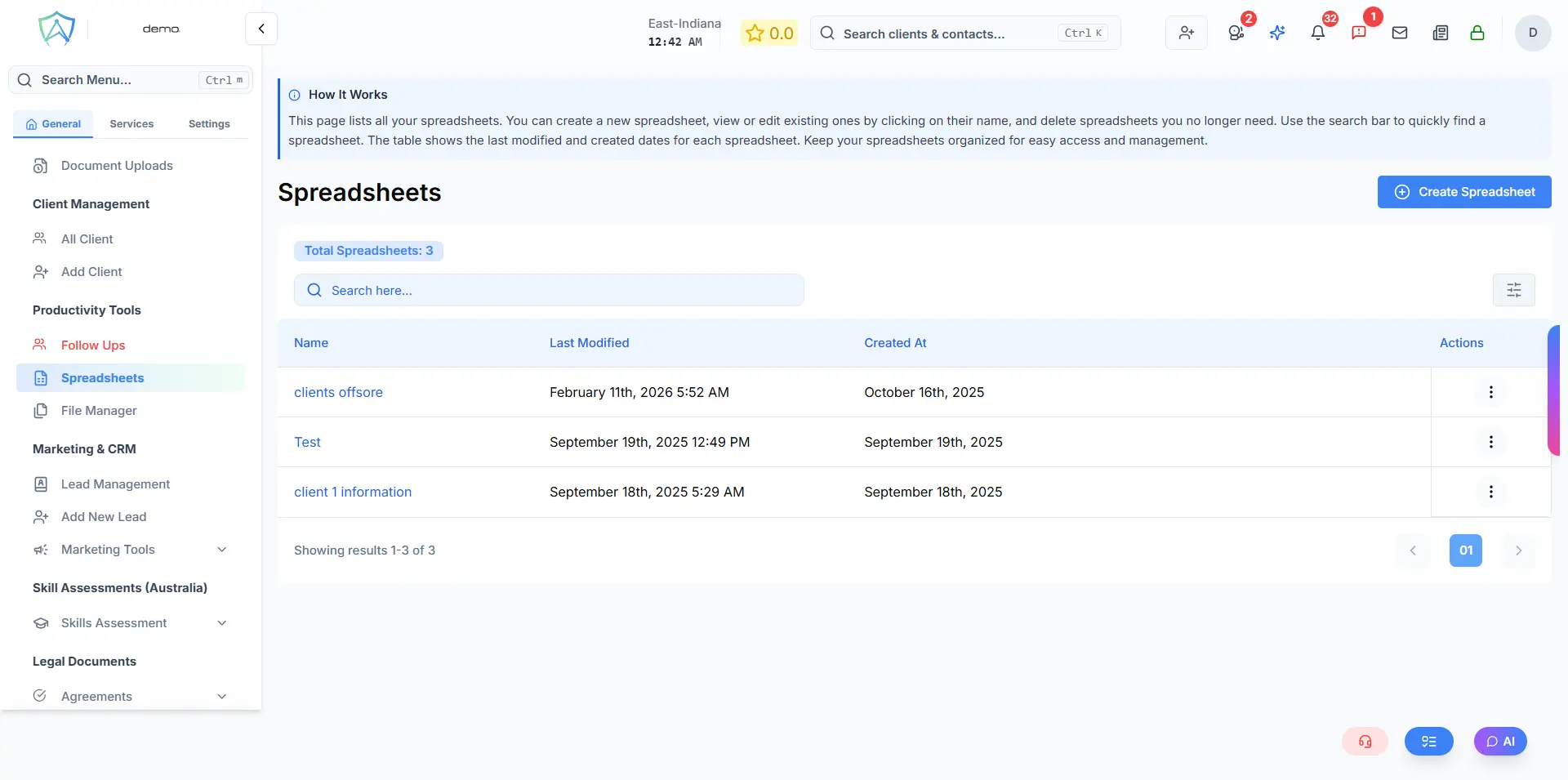
Creating a Spreadsheet
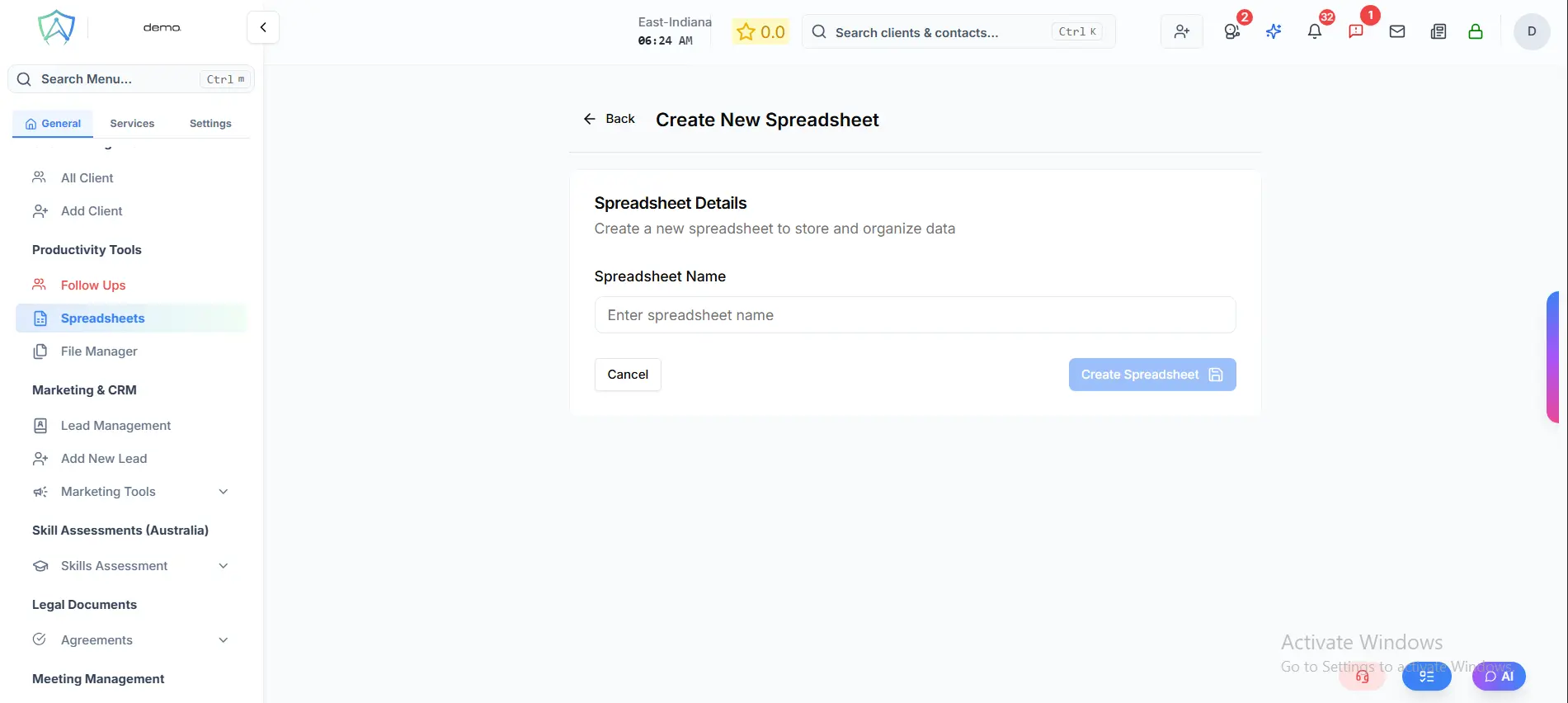
- Click Create Spreadsheet in the top right of the Spreadsheets page
- Enter a name for the spreadsheet
- Click Create Spreadsheet — you will be taken directly to the editor
- Start entering your data; the interface works similarly to a standard spreadsheet application
- Use the toolbar for formatting (bold, colour, borders, etc.)
- Changes are auto-saved 2 seconds after your last edit, or you can click Save manually
Sharing Spreadsheets
Only the owner of a spreadsheet can share it. To share, click the Share button in the top right of the spreadsheet editor.
Spreadsheets can be shared with specific users. For each user you can set one of two permissions:
- View Only — the user can open and read the spreadsheet but cannot make changes
- Can Edit — the user can edit the spreadsheet
You can update or remove a user's access at any time from the same Share panel.
Common Use Cases
- Custom tracking for cases not covered by standard application workflows
- Weekly / monthly reporting templates
- Client lists for marketing campaigns
- Internal process checklists
- Commission tracking
Organising Spreadsheets
The Spreadsheets home page lists all spreadsheets you own. You can:
- Search by name using the search bar
- Click on a spreadsheet name to open and edit it
- Delete spreadsheets you own
Spreadsheet Editor Features
- Inline name editing — click the edit icon next to the spreadsheet name to rename it
- Auto-save — changes are saved automatically 2 seconds after your last edit
- Manual save — click Save at any time to save immediately
- Unsaved changes indicator — an amber notice appears when there are pending changes
- Last saved timestamp — shows the time of the most recent successful save
- Full Screen — toggle full-screen mode for a larger editing area
- View Only mode — if a spreadsheet is shared with you without edit permission, you can view it but not make changes
Limitations
The built-in spreadsheet is designed for lightweight collaborative use within Agent Manager. For complex financial modelling or large datasets, consider exporting to Excel or Google Sheets.