Generic Agreements
Required Role
AGREEMENTS permission required
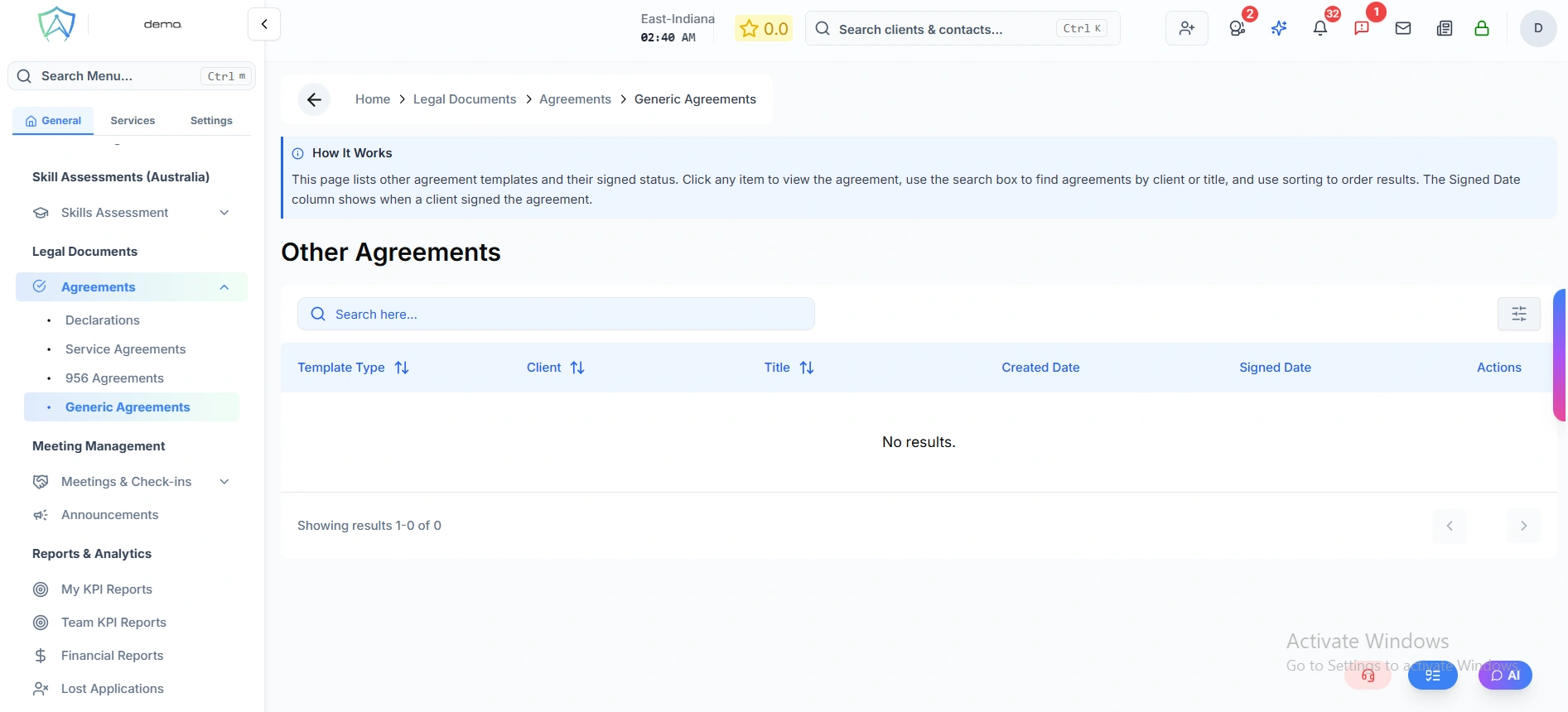
Generic Agreements are flexible agreement documents for situations not covered by the standard service agreement or declaration templates. Use them for custom contracts, addendums, or special arrangements with clients.
Use Cases
- Addendum to an existing service agreement (e.g. adding a new service mid-engagement)
- Confidentiality agreement
- Referral partner agreement
- Custom payment arrangement documentation
- Internal client acknowledgement letters
Creating a Generic Agreement
- Go to Legal Documents → Agreements → Generic Agreements
- Click New Generic Agreement
- Select the client (optional — some generic agreements may not be client-specific)
- Select a template from your organisation's Generic Agreement Templates, or start from scratch
- Edit the content in the rich text editor
- Add your organisation's letterhead and branding
- Click Send for Signature or Download PDF
Managing Generic Agreements
All generic agreements appear in the list with:
- Agreement title
- Associated client (if applicable)
- Creation date
- Signature status
Templates
Pre-built templates for common agreement types can be managed under Settings → Templates → Generic Agreement.