Events
Required Role
MARKETING permission required — Admin roles only
The Events module allows you to plan, manage, and track marketing events such as information sessions, webinars, education expos, and community outreach activities.
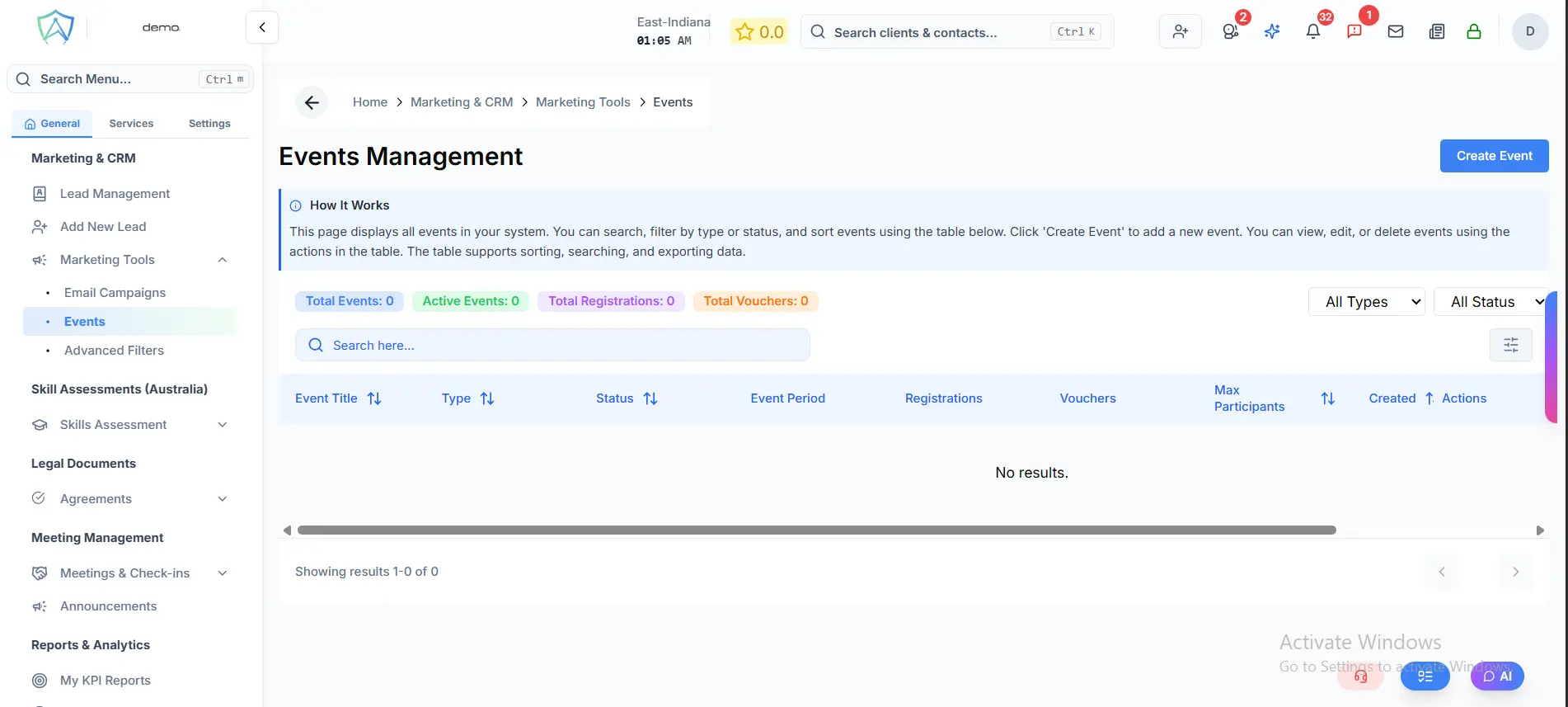
Creating an Event
- Click New Event
- Fill in event details:
- Event Name
- Event Type — Webinar / Information Session / Expo / Community Event / Other
- Date and Time
- Location — physical address or online meeting link
- Description — what the event is about
- Max Capacity (optional)
- Click Save
Managing Registrations
Once created, you can:
- Share registration link — send to leads or post on social media
- Track registrations — see who has registered
- Send reminders — automated reminder emails before the event
- Mark attendance — record who actually attended
Post-Event Follow-Up
After the event:
- Mark the event as Completed
- Export the attendee list
- Create follow-up tasks for your agents to contact attendees
- Add attendees to an email campaign for post-event nurturing
Event Analytics
- Total registrations
- Attendance rate
- Leads generated from the event
- Conversions (registrants who became clients)