Agent Network
Required Role
AGENT_COMPANY permission required — Admin roles only
The Agent Network module manages the companies and individual agents in your referral and partnership network. This includes super-agents (organisations that refer clients to you) and sub-agents (agents who work under your organisation's umbrella).
Agent Company List
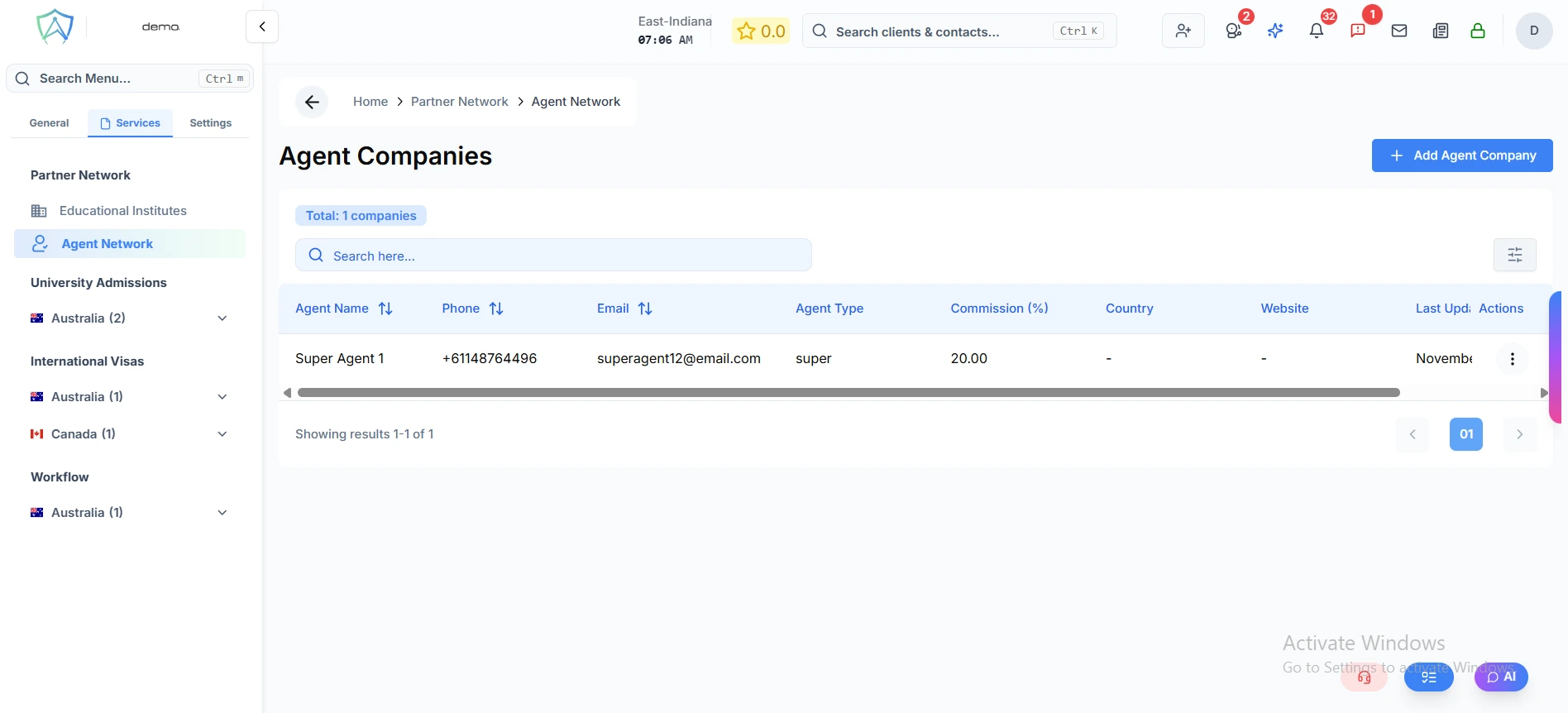
| Column | Description |
|---|---|
| Company Name | The agent company name |
| Type | Super Agent / Sub Agent / Referral Partner |
| Country | Where the company is based |
| Contact | Primary contact person |
| Active Clients | Clients currently referred by this agent |
| Status | Active / Inactive |
Adding an Agent Company
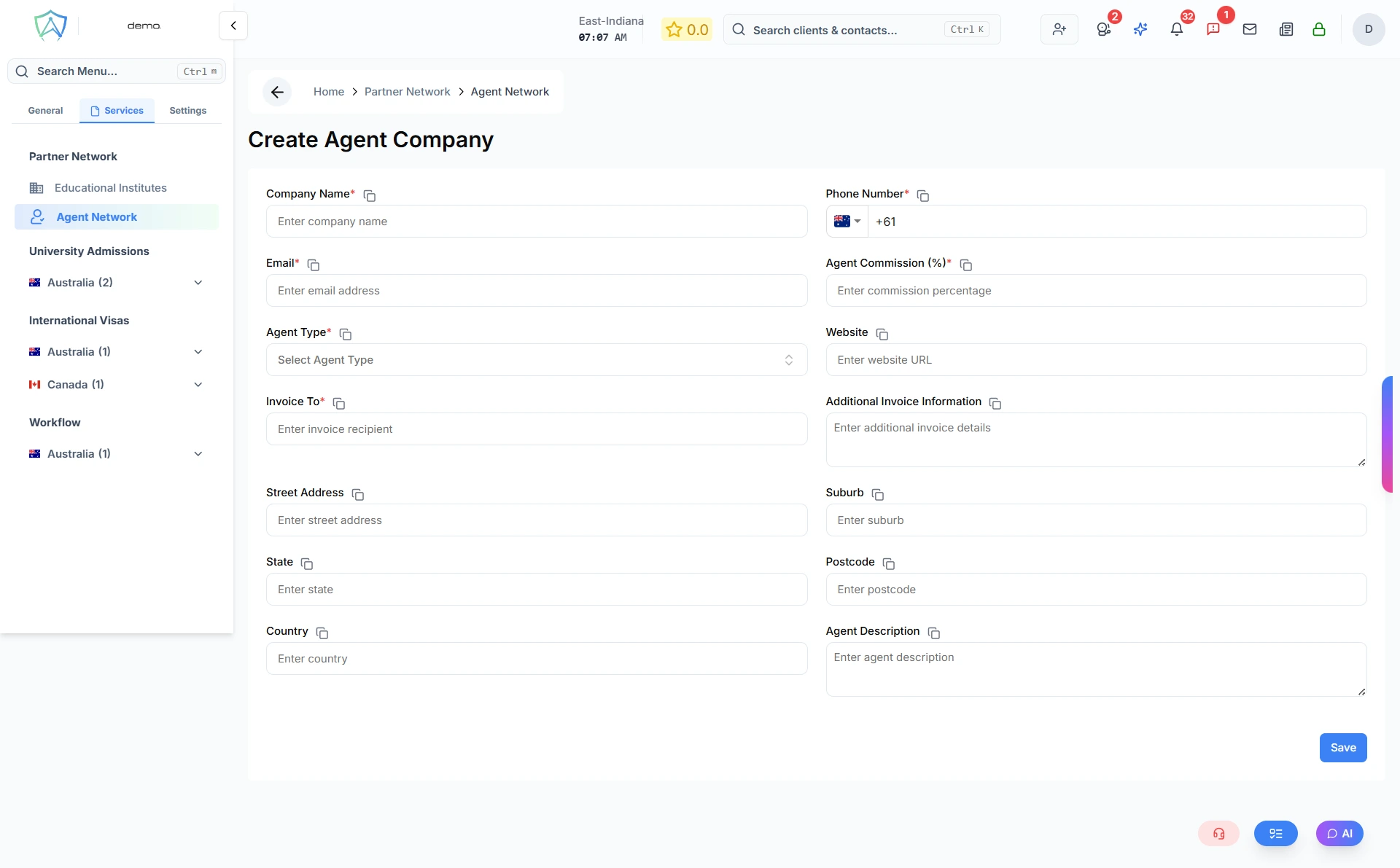
- Click New Agent Company
- Fill in company details:
- Company Name (required)
- Company Type — Super Agent, Sub Agent, or Referral Partner
- Country and Address
- ABN / Registration Number
- Primary Contact — name, email, phone
- Set commission terms if applicable
- Upload the agent agreement
- Click Save
Agent Company Profile
Each agent company profile includes:
Company Details
Contact information, registration details, and geographic coverage.
Associated Agents
Individual agents who work within this company (sub-contacts).
Referred Clients
All clients that have been referred by this agent company, with their application statuses.
Commission Records
A history of commission payments and pending balances.
Documents
Agent agreements, MOU documents, and compliance records.
Commission Management
Agent Manager can track commissions owed to your agent partners:
- Set a commission rate per agent company (flat fee or percentage)
- Commissions are calculated automatically when linked applications are invoiced
- Generate commission statements for payment